Best Automation and Lead Management CRM for Real Estate in 2026
Discover the best CRM for real estate with AI-powered lead management, WhatsApp automation, enquiry tracking, and sales automation. Explore why AiEngage CRM helps real estate businesses convert more l
- 1Why Your Real Estate Business Needs a CRM
- 2What Happens When You Manage Real Estate Leads Manually?
- 1. Important Follow-Ups Get Missed
- 2. Customer Information Is Scattered
- 3. You Cannot See Where Leads Are Stuck
- 4. Your Team Spends Too Much Time on Manual Work
- 3What Is a CRM System for Real Estate?
- 4Features You Should Look for in a Real Estate CRM
- Lead Capture From Every Source
- CRM Inquiry Management
- Built-In Calling and Call Recording
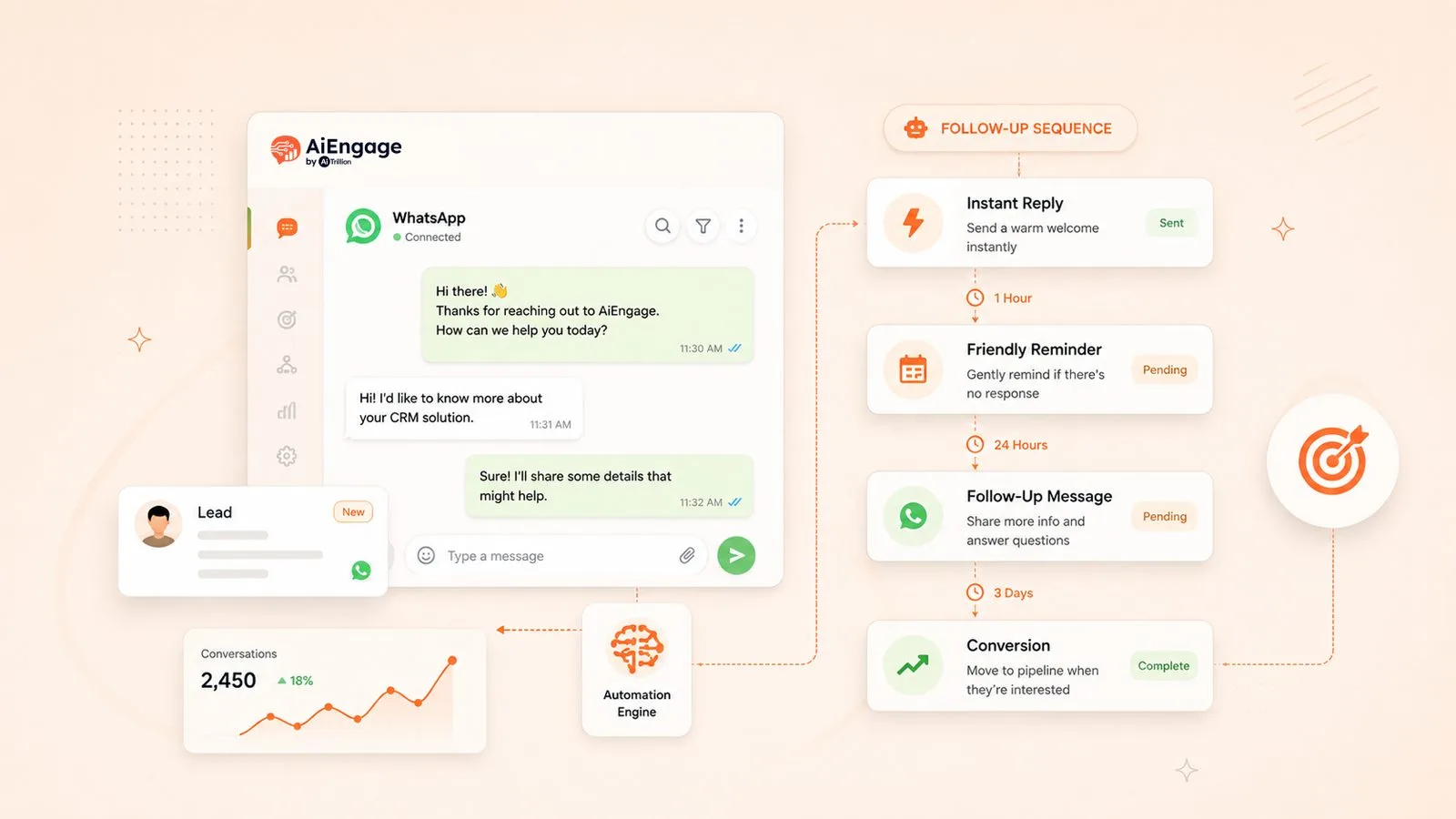
- WhatsApp Business Automation
- Sales Pipeline Management
- Site Visit Management
- Automation and Task Management
- Reporting and Sales Analytics
- 5Manage Your Real Estate Sales Process With AiEngage CRM
- 6Final Thoughts
You spend a lot of money to generate property leads.
You run Google Ads, Meta Ads, property portal listings, broker campaigns, remarketing ads, and referral activities. Leads start coming in from different places, but managing them properly becomes difficult when everything is handled manually.
A lead fills out a form. Another lead calls your team. Someone sends a WhatsApp message. A broker shares a requirement. A prospect asks for pricing, location, brochure, floor plan, or site visit details.
Now your team has to respond quickly, assign the lead to the right salesperson, follow up regularly, track calls, schedule site visits, and move the lead towards booking.
This is where real estate automation and lead management CRM becomes important.
A good CRM helps you capture every inquiry, organize your sales process, automate follow-ups, track your team's activity, and make sure no serious prospect is missed.
Why Your Real Estate Business Needs a CRM
Real estate sales rarely happen in one conversation.
A prospect may submit an inquiry, ask for a brochure, compare pricing, request project details, schedule a site visit, and need several follow-ups before making a decision.
If you manage these activities through spreadsheets, calls, emails, notes, and separate communication tools, it becomes difficult to know what is happening with each lead. You may not know which inquiry is new, who needs a follow-up, which site visits are scheduled, or which prospects are close to booking.
That is where a real estate CRM helps. It gives you one system to capture leads, assign them to your team, track activity, manage follow-ups, schedule site visits, and monitor sales performance.
With the right CRM, you do not just collect inquiries. You create a structured process to convert more of them into bookings.
What Happens When You Manage Real Estate Leads Manually?
At the beginning, spreadsheets and manual follow-ups may seem manageable.
As your inquiries increase, your team has to handle more prospect conversations, project details, site visits, broker leads, and customer questions at the same time. This is where leads start getting delayed or missed.
1. Important Follow-Ups Get Missed
A prospect may enquire today but take weeks before they are ready to visit your project or make a booking.
If your team does not follow up at the right time, that prospect may move to another broker, builder, or developer who responds faster.
A CRM helps you set reminders, schedule tasks, and keep every pending action visible to your sales team.
2. Customer Information Is Scattered
When customer details are spread across Excel sheets, emails, call logs, notes, and different team members, your team does not have a complete view of the lead.
One person may know the customer's budget. Another may have shared the brochure. Someone else may have scheduled a site visit. Without one central system, important details can easily be missed.
A CRM keeps lead details, notes, follow-ups, activities, and sales progress connected to one record.
3. You Cannot See Where Leads Are Stuck
As a sales manager, you need to know what is happening with every inquiry. You need visibility into:
New leads
Pending follow-ups
Scheduled site visits
Leads in negotiation
High-intent prospects
Deals close to booking
Lost or inactive leads
Without a CRM, getting this information depends on manual updates from your team. With a CRM, you can view your full sales pipeline in one place.
4. Your Team Spends Too Much Time on Manual Work
Your sales team should spend more time speaking with prospects, understanding their requirements, and closing deals.
Instead, they often spend time updating spreadsheets, setting reminders, searching for customer details, and preparing manual reports.
A CRM reduces this work by keeping lead data organized and automating routine sales activities.
What Is a CRM System for Real Estate?
A real estate CRM is software that helps you manage the complete customer journey, from the first inquiry to the final booking.
It is more than a contact database. It helps you capture leads, track customer requirements, assign tasks, manage site visits, organize your sales pipeline, automate follow-ups, and measure team performance.
Instead of switching between multiple systems, your team can manage sales activity from one platform. A real estate CRM helps you manage:
Lead capture
Customer inquiries
Property requirements
Follow-up tasks
Site visit scheduling
Sales pipelines
Team collaboration
Lead history and notes
Reports and performance analytics
Features You Should Look for in a Real Estate CRM
Not every CRM is designed for the way real estate teams work.
You need a system that supports long sales cycles, multiple decision-makers, regular follow-ups, property visits, and clear team coordination.
Lead Capture From Every Source
Your CRM should collect inquiries from all the places where you generate leads, including:
Website forms
Landing pages
Google Ads
Meta Lead Ads
Property portals
Listing platforms
Brokers and channel partners
Referral campaigns
When every inquiry enters one system, you can make sure no lead is missed.
CRM Inquiry Management
Every inquiry should be tracked from the first interaction until the lead becomes a booking or is marked as lost. Your CRM should allow you to:
Assign leads quickly
Update lead status
Add notes and customer requirements
Schedule follow-ups
Track lead activity
Monitor conversion progress
This gives your team the context they need before speaking with a prospect.
Built-In Calling and Call Recording
Your sales team speaks with prospects throughout the buying journey. Important details about budget, preferred location, project interest, site visits, and decision timelines are often discussed on calls.
A CRM with built-in calling helps your team make and track calls from the same system where they manage leads. Look for features such as:
Click-to-call from the lead record
Call history for every prospect
Call recordings
Call notes and follow-up tasks
Sales call tracking
Team performance visibility
This helps your team avoid missed context and gives managers a clearer view of customer conversations.
WhatsApp Business Automation
Many real estate prospects prefer to communicate on WhatsApp for brochures, pricing details, project updates, location links, and site visit reminders.
Your CRM should help you manage WhatsApp communication from the same place where you manage leads. Look for features such as:
Shared WhatsApp team inbox
Automatic enquiry replies
Lead assignment from WhatsApp conversations
Follow-up reminders
Bulk WhatsApp campaigns
Project brochure and document sharing
Site visit reminders
Complete conversation history linked to the lead
This helps your team respond faster, keep conversations organized, and make sure every prospect receives the right follow-up.
Sales Pipeline Management
A visual sales pipeline helps you understand where every lead is in the buying journey. For example:
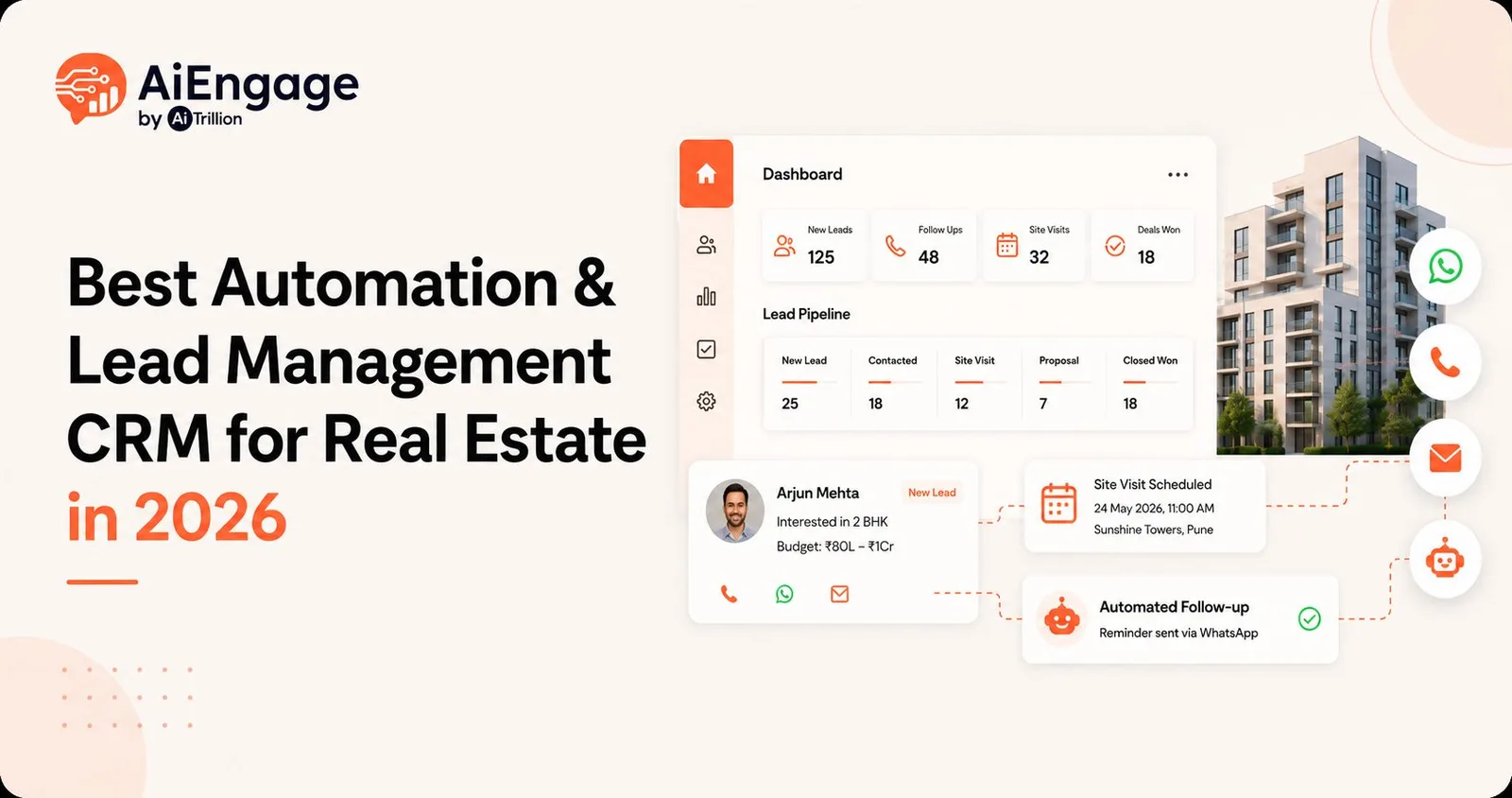
New Lead → Contacted → Follow-Up Pending → Site Visit Scheduled → Negotiation → Booking → Closed
This helps your team prioritize the right prospects and helps managers identify where leads are getting delayed.
Site Visit Management
Site visits are one of the most important stages in real estate sales.
Your CRM should help you schedule visits, assign the right sales representative, send reminders, record attendance, capture feedback, and plan the next action. This creates a smoother process from inquiry to visit and from visit to booking.
Automation and Task Management
Your CRM should reduce the need for your team to remember every follow-up manually. You should be able to automate activities such as:
Lead assignment
Follow-up reminders
Site visit reminders
Lead status updates
Sales task creation
Escalation for missed follow-ups
Notifications for high-priority leads
This helps your team stay consistent without spending hours managing routine work.
Reporting and Sales Analytics
You should be able to see what is working and where improvements are needed. A good CRM should provide reports on:
Lead sources
Campaign performance
Lead response times
Pending follow-ups
Site visits scheduled
Site visit conversion
Sales team performance
Lead-to-booking conversion
Lost lead reasons
Revenue forecasting
These insights help you improve your sales process and make better decisions about your marketing spend.
Manage Your Real Estate Sales Process With AiEngage CRM
AiEngage CRM helps you bring your real estate inquiries, follow-ups, site visits, team activity, and sales pipeline into one place.
Instead of using separate tools for leads, reminders, spreadsheets, project tracking, and sales reporting, you can manage the complete customer journey through one system.
When a new inquiry comes in, you can capture it automatically, assign it to the right salesperson, schedule the next action, track every update, manage site visits, and move the lead through your pipeline. With AiEngage CRM, you can:
Capture leads from ads, forms, portals, brokers, and referrals
Assign leads automatically to the right sales representative
Manage every customer inquiry in one place
Track notes, tasks, activities, and follow-ups
Schedule and manage site visits
Build custom sales pipelines
Monitor lead progress and team activity
Track lead sources and campaign performance
Create automation workflows for routine processes
Improve follow-up consistency and response time
Final Thoughts
You already invest in generating property inquiries. The next step is making sure every inquiry is handled properly.
When leads are scattered across spreadsheets, notes, and different systems, your team spends more time managing information and less time converting prospects.
A real estate CRM gives you the structure to respond faster, follow up consistently, manage site visits, track your sales pipeline, and keep every lead organized from the first inquiry to the final booking.
With AiEngage CRM, you can build a more organized sales process that helps your team focus on the opportunities most likely to convert.


I help businesses simplify marketing, sales, and customer support through AI and automation. At AiEngage CRM, we bring lead management, WhatsApp, calling, email campaigns, meetings, and support into one connected platform. Our vision is to help businesses run smarter with AI, empowering teams to streamline everyday work, strengthen customer relationships, and drive sustainable growth.