
Automate Your Patient Journey with AI-Powered Healthcare CRM
Capture patient inquiries from your website, Meta Ads, WhatsApp, calls, appointment forms, and referral sources. Let AI respond quickly to patient inquiries, collect patient requirements, schedule appointments and automate follow-ups.
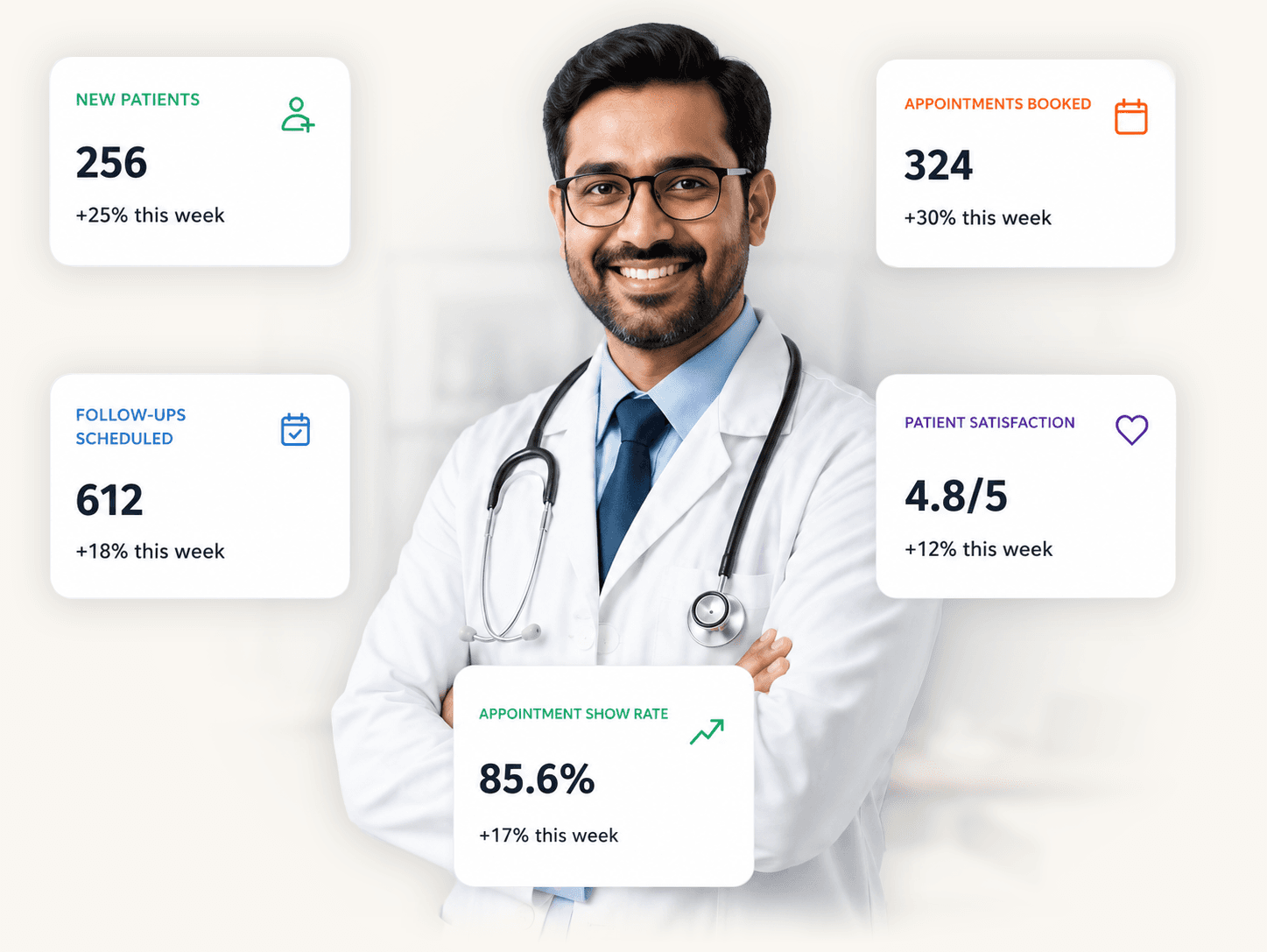
Wondering, Why Patient Inquiries Get Missed?
Everything You Need to Automate Patient Engagement
Automatically collect important details such as the required service, preferred doctor or department, appointment urgency, location, and suitable time. Help your team understand each inquiry before responding.
Capture and organize inquiries from websites, Meta Ads, WhatsApp, calls, appointment forms, landing pages, and referral sources in one place.
Respond to common patient questions, collect appointment details, share basic service information, provide available slots, and transfer conversations to your team when required.
Make and receive business calls directly through the CRM. Record call activity, save notes, track missed calls, and keep communication connected to the patient inquiry.
Schedule consultations, diagnostic appointments, follow-ups, and other services. Assign the right doctor, department, branch, or staff member and send automatic confirmations.
Trigger appointment reminders, follow-up messages, pending inquiry alerts, and next-step tasks based on appointment status and patient activity.
Automatically assign patient inquiries based on department, service, doctor, branch, language, availability, or predefined team rules.
Track every inquiry from first contact and appointment request to confirmation, consultation, follow-up, and completion.
Store important details such as the required service, preferred specialist, location, appointment time, previous inquiries, and communication preferences.
Turn long calls and WhatsApp conversations into clear AI-generated summaries with patient requirements, questions, appointment details, and recommended next actions.
Send appointment reminders, health check-up information, service updates, clinic announcements, follow-up messages, and educational campaigns to selected patient segments.
Track response times, calls, pending inquiries, scheduled appointments, follow-ups, and conversion from inquiry to appointment.
From Patient Inquiry to Confirmed Appointment Without Human Efforts
Every new inquiry is automatically added to AiEngage from Meta Ads, your website, WhatsApp, appointment forms, incoming calls, landing pages, and other lead sources.
The inquiry profile can include contact details, source, inquiry time, requested service, preferred branch, and available conversation history.
AI begins the conversation when your front-desk team is busy or unavailable. It welcomes the patient, understands the reason for the inquiry, answers common non-clinical questions, and begins collecting the details needed to process the request.
AI asks relevant questions to understand the patient’s appointment needs, including:
Based on the information provided, the inquiry can be categorized as urgent follow-up required, appointment ready, information requested, returning patient, or incomplete.
AI should not diagnose medical conditions or replace clinical assessment. Medical decisions remain with qualified healthcare professionals.
Once the patient’s requirement is clear, the inquiry is automatically assigned to the appropriate staff member, department, doctor, or location. Assignment can be based on:
This helps reduce delays and keeps inquiries from remaining unattended.
The patient receives useful information related to their inquiry. Your team can share:
These details can be shared through WhatsApp or email while keeping the communication connected to the CRM.
Once the patient selects a suitable date and time, the appointment can be booked and assigned to the appropriate doctor, department, branch, or staff member. AiEngage can:
After the appointment is scheduled or completed, AiEngage helps your team maintain timely communication. Automations can be triggered for:
This helps staff manage routine communication without manually tracking every next step.
The Benefits of AI-Powered Healthcare CRM
Respond to appointment and service inquiries quickly, even when the front-desk team is busy or outside normal working hours.
Collect the required service, preferred specialist, location, appointment type, and suitable time before the inquiry reaches your team.
Automatically send reminders, create tasks, and trigger the next action based on inquiry and appointment status.
Make it easier for patients to view available slots and select a suitable appointment time.
Assign inquiries to the right doctor, department, branch, or staff member based on predefined rules.
Keep calls, WhatsApp chats, emails, notes, appointment details, and previous interactions connected to one patient inquiry profile.
Reduce repetitive tasks such as answering common questions, updating inquiry details, writing conversation summaries, confirming appointments, and sending reminders.
See which inquiries are new, waiting for information, ready to schedule, confirmed, completed, cancelled, or due for follow-up.
Track response time, call activity, pending inquiries, appointment handling, and follow-up completion for every team member.