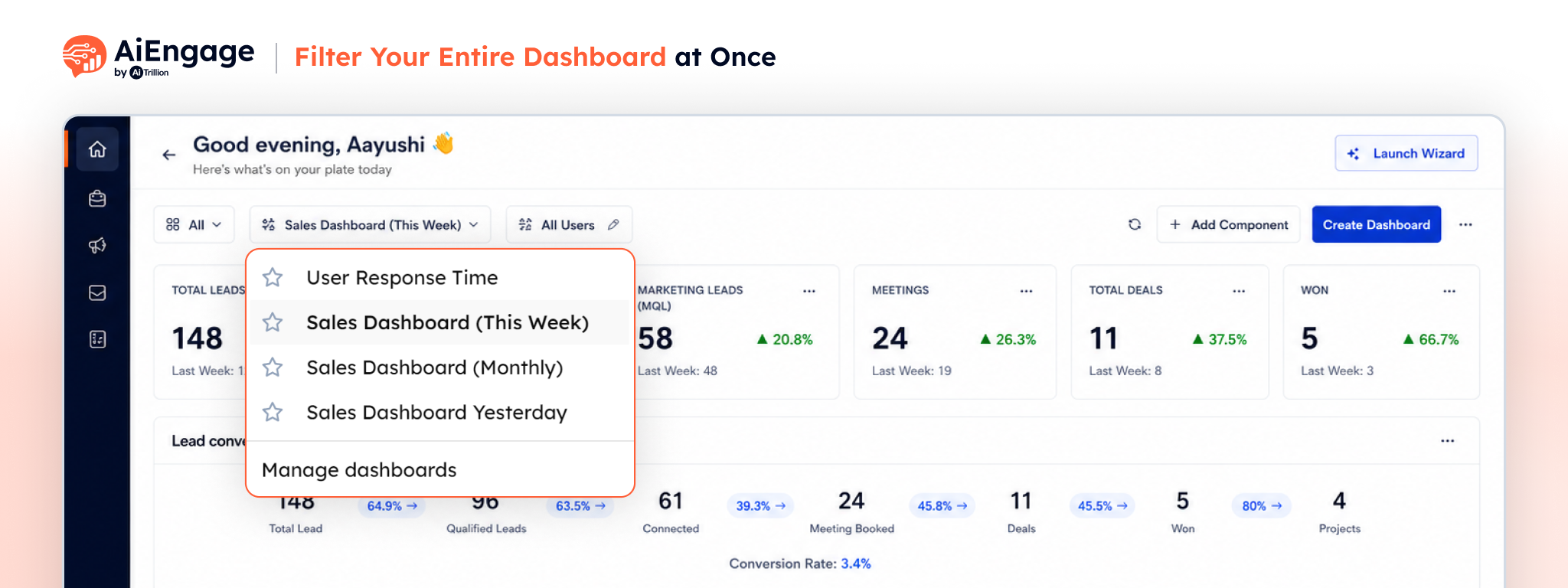
Analyze your dashboard faster with one filter that updates everything at once.
A powerful way to apply a single date range across supported CRM modules. Instead of selecting a date range on each page individually, you can now filter your data once and instantly view results for the same time period across your dashboard and reports.
You can filter data based on fields such as deal creation date, contact details, and other important CRM data points.
 Key Benefits
- Apply one filter across the entire dashboard.
- Quickly view data for last week, this month, custom dates, and more.
- Filter by deal, contact, and other key CRM fields.
- Save time by avoiding repeated manual filter changes.
- Get a cleaner and more consistent dashboard view.
🎯 Use Case
You’re reviewing the performance of a marketing campaign across multiple CRM modules. Instead of selecting the same date range on every dashboard, simply apply the Global Date Filter once. All supported reports and dashboards instantly update to show data for the selected period, making it easy to compare campaign performance and customer engagement.
For more details on enabling and using this feature, visit our Help Center or contact our support team.